Exposure and tone
Adjust exposure, contrast, highlights, shadows, whites, and blacks with precision.
RAW EDITOR FOR MAC
Asterveil is a RAW editor for Mac that develops the light and color captured by your camera, then carries the image naturally into local adjustments and finishing.
Download on theMac App Store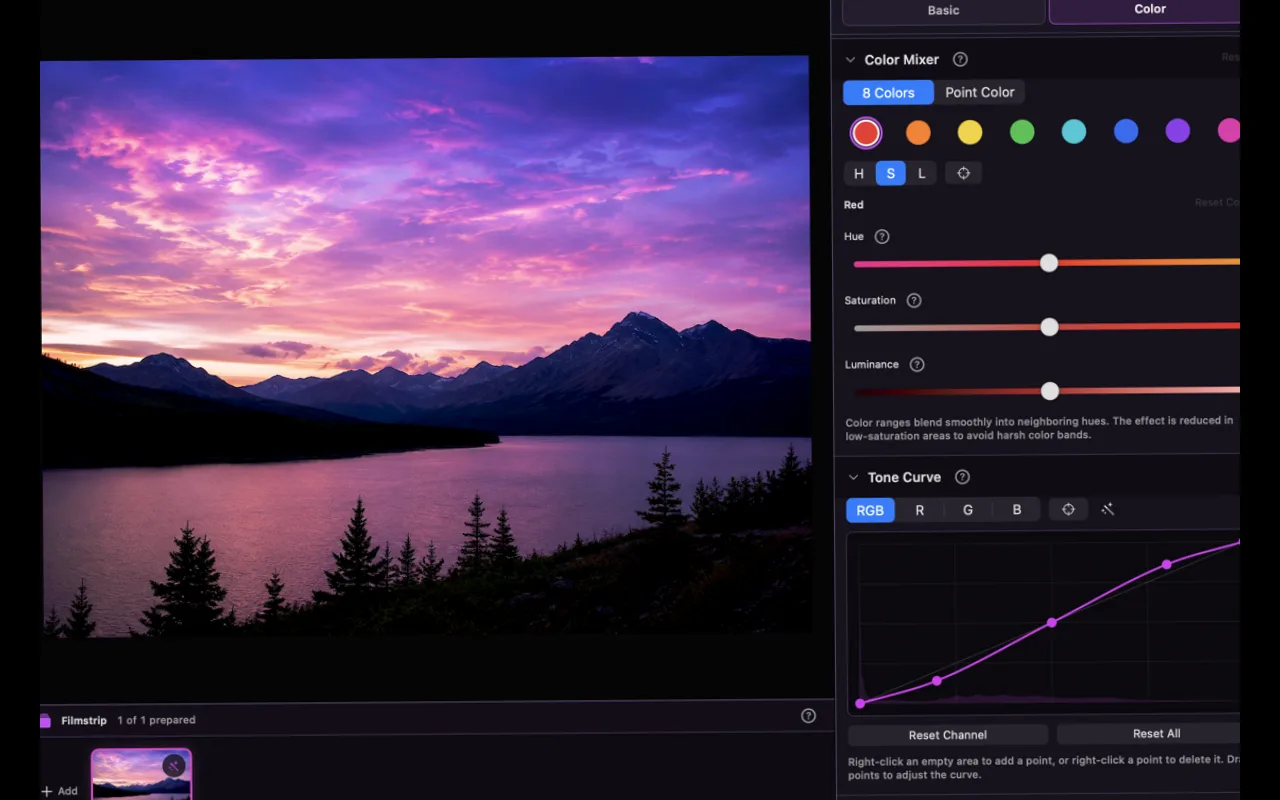
RAW DEVELOPMENT
RAW development is not only about making a photograph more dramatic. It is where highlights, shadow detail, and color temperature are balanced before the rest of the edit begins.
Adjust exposure, contrast, highlights, shadows, whites, and blacks with precision.
Move from color temperature to the color mixer and tone curve in a gradual workflow.
Build a clean foundation with lens correction, highlight recovery, and luminance and color noise reduction.
Combine brush and person masks to apply light and color only to selected areas.
NON-DESTRUCTIVE
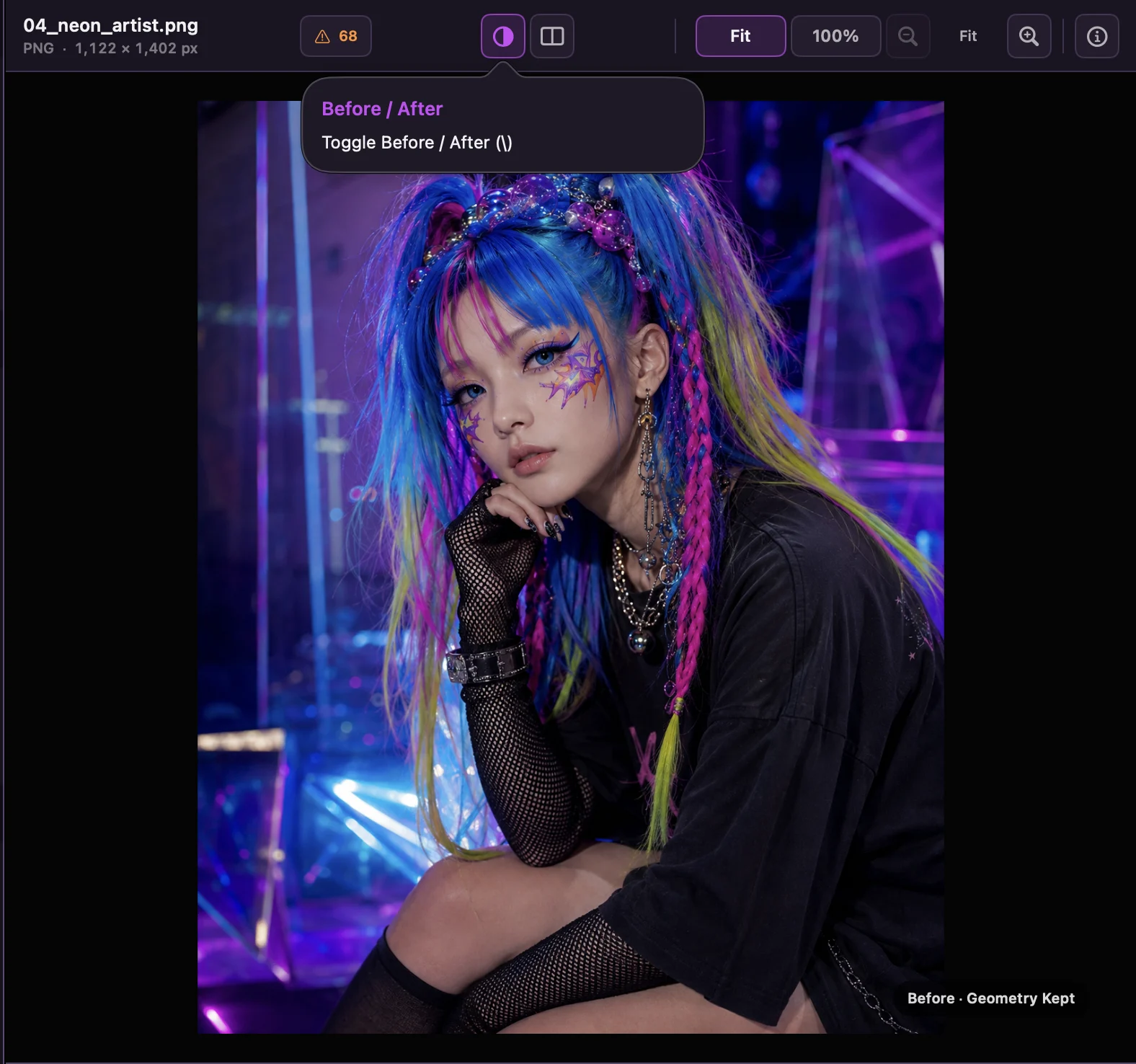
Adjustments remain separate from the source image. Compare before and after, revisit the process, and refine any decision without rewriting the original.
DETAILS
Supported RAW formats and cameras may vary with your macOS environment. JPEG and HEIC are also supported. Please check the latest App Store information before purchasing.
ASTER VEIL · PHOTO EDITOR FOR MAC
Download Asterveil from the Mac App Store.
Download on theMac App Store